
Introduction
In today’s digital-first world, image quality plays a crucial role in how content is perceived. Whether you are running a startup, building an online store, managing social media, or creating marketing assets, blurry or low-resolution images can weaken your message instantly. This growing demand for sharper visuals has pushed many creators and businesses to explore AI-powered solutions. An ai image enhancer helps improve clarity, restore details, and upscale images automatically, without requiring professional editing skills or expensive software.
Introducing The Best Tool AI Photo Enhancer – insMind
insMind is an all-in-one AI photo editing platform designed to help users create professional-quality visuals with minimal effort. Built for creators, entrepreneurs, and small businesses, insMind combines multiple intelligent editing tools into a single, easy-to-use workspace.
One of its standout features is the AI Image Enhancer, which focuses on improving image resolution, sharpness, and overall visual quality. Instead of manually adjusting contrast, noise, or sharpness, users can rely on AI image enhancement to automatically analyze photos and enhance them in seconds. This makes insMind especially useful for anyone who needs fast, reliable results, from product photos to personal images, without a steep learning curve.
How to Enhance Image and Increase Photo Quality with insMind
Enhancing an image using insMind is a straightforward process that does not require prior editing experience. Below is a simple step-by-step guide to improving photo quality using the platform.
Step 1: Upload Your Image
Start by visiting the insMind AI Image Enhancer page. Upload the image you want to improve. This can be a product photo, portrait, social media image, or any low-resolution visual that needs refinement.
Step 2: Let AI Analyze the Image
Once uploaded, the system automatically detects blur, noise, and resolution issues. The AI evaluates details such as edges, textures, and lighting to determine the best enhancement approach. This behind-the-scenes process replaces what would normally require multiple manual adjustments in traditional editors.
Step 3: Apply AI Image Enhancement
With one click, insMind applies intelligent enhancements to sharpen details, reduce noise, and improve overall clarity. This step is especially effective for restoring older images, low-quality downloads, or compressed visuals from messaging apps.
Step 4: Preview and Download
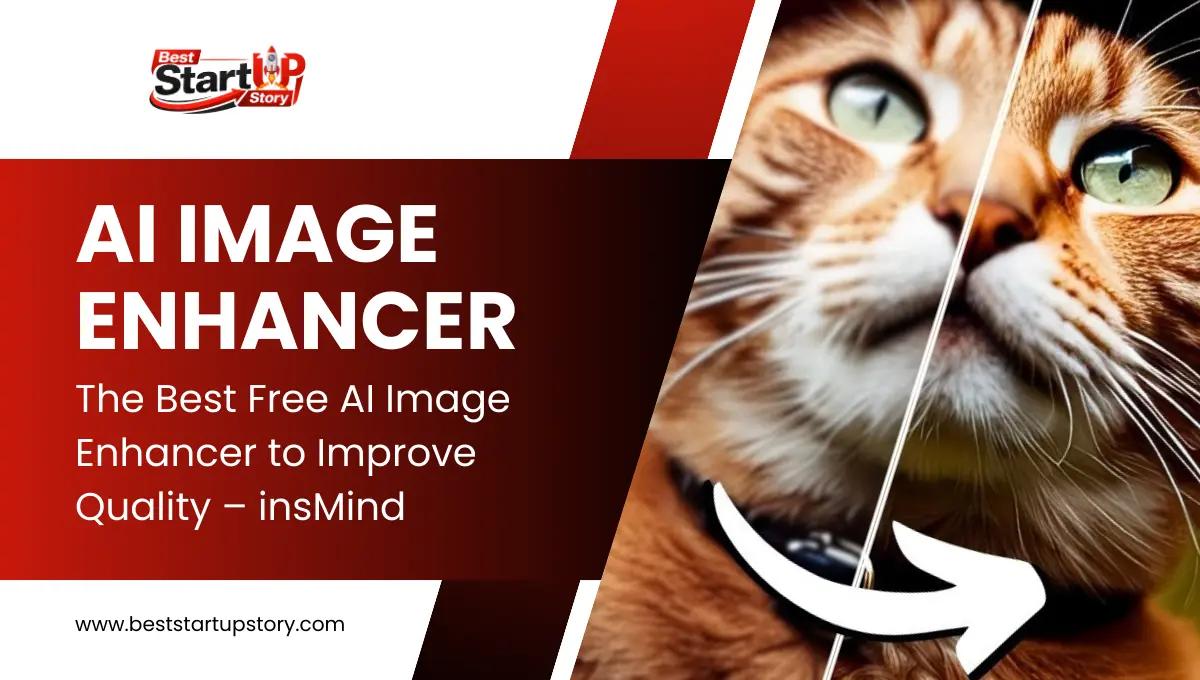
After processing, you can preview the enhanced version side by side with the original. If the result meets your needs, download the improved image instantly and use it across your projects.
This workflow shows how an AI Image Enhancer can replace time-consuming manual edits and deliver consistent results quickly.
Benefits of Using AI Image Enhancer
Using an AI-powered image quality enhancer offers practical advantages across many real-world scenarios. For online sellers, clearer product photos increase trust and conversion rates. Social media creators benefit from sharper visuals that stand out in crowded feeds. Professionals can enhance presentation images or profile photos without relying on designers.
Another key benefit is efficiency. AI image enhancement significantly reduces editing time, allowing users to focus on content creation instead of technical adjustments. Additionally, free image enhancer tools like insMind make high-quality visuals accessible to startups and individuals who may not have the budget for premium software.
What Else You Can Do with insMind AI Image Enhancer
Beyond improving image quality, insMind offers a wide range of AI-powered editing tools within the same platform.
Users can freely edit images by adding text, resizing visuals for different platforms, or applying shadows for a more polished look. insMind also supports product collage creation, making it easier for eCommerce sellers to showcase multiple items in a single layout.
For more advanced needs, insMind allows users to remove backgrounds and create transparent images, generate new backgrounds with AI, and erase unwanted objects using its magic eraser feature. These tools work together seamlessly, enabling users to handle most photo editing tasks without switching between multiple applications.
Conclusion
High-quality visuals are no longer optional in today’s digital landscape. With tools like insMind, anyone can enhance image clarity, restore details, and create professional-looking visuals in just a few clicks. By combining AI image enhancement with a full suite of editing features, insMind provides a practical solution for creators, startups, and businesses looking to improve visual content efficiently. If you want a fast and reliable way to upgrade your images, trying insMind is a smart place to start.
Also Read: How Dear Lottery Results Are Published and Verified Across India